
Guides you can use
Open a GTA 5 walkthrough or a longer feature with clear sections, search within the article, and pick up where you stopped.

The GTABOOM app
GTA 6 news when it matters. GTA Online updates when the week turns over. GTA 5 guides and cheats when you need an answer mid-game. Keep up with it all, save what helps, and check the countdown from your phone.


Available for iPhone, iPad, and Android.
Less hunting for the right page. More time with the game.
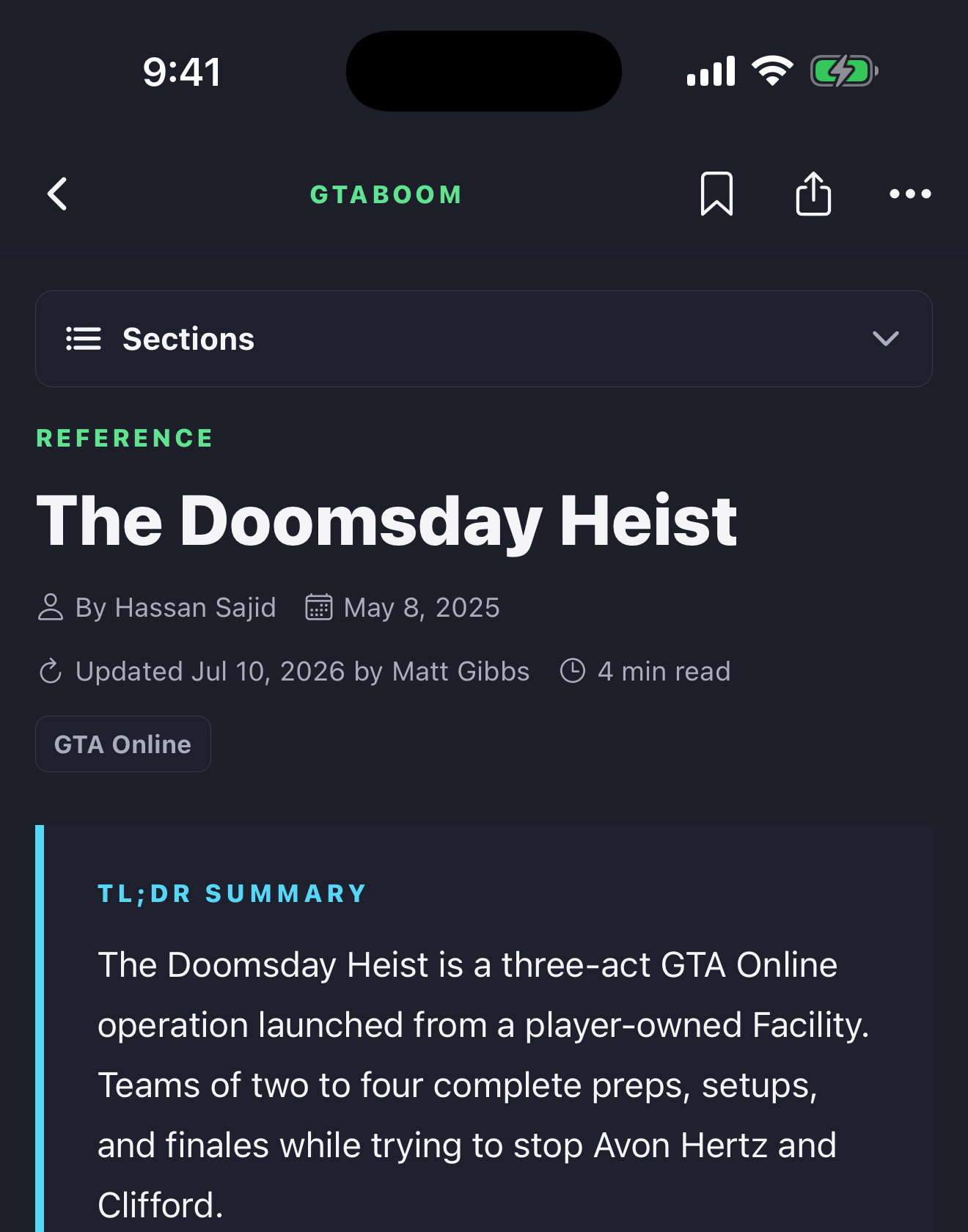
Open a GTA 5 walkthrough or a longer feature with clear sections, search within the article, and pick up where you stopped.
Catch GTA 6 announcements and trailer analysis alongside GTA Online updates, with reporting that separates confirmed news from speculation.
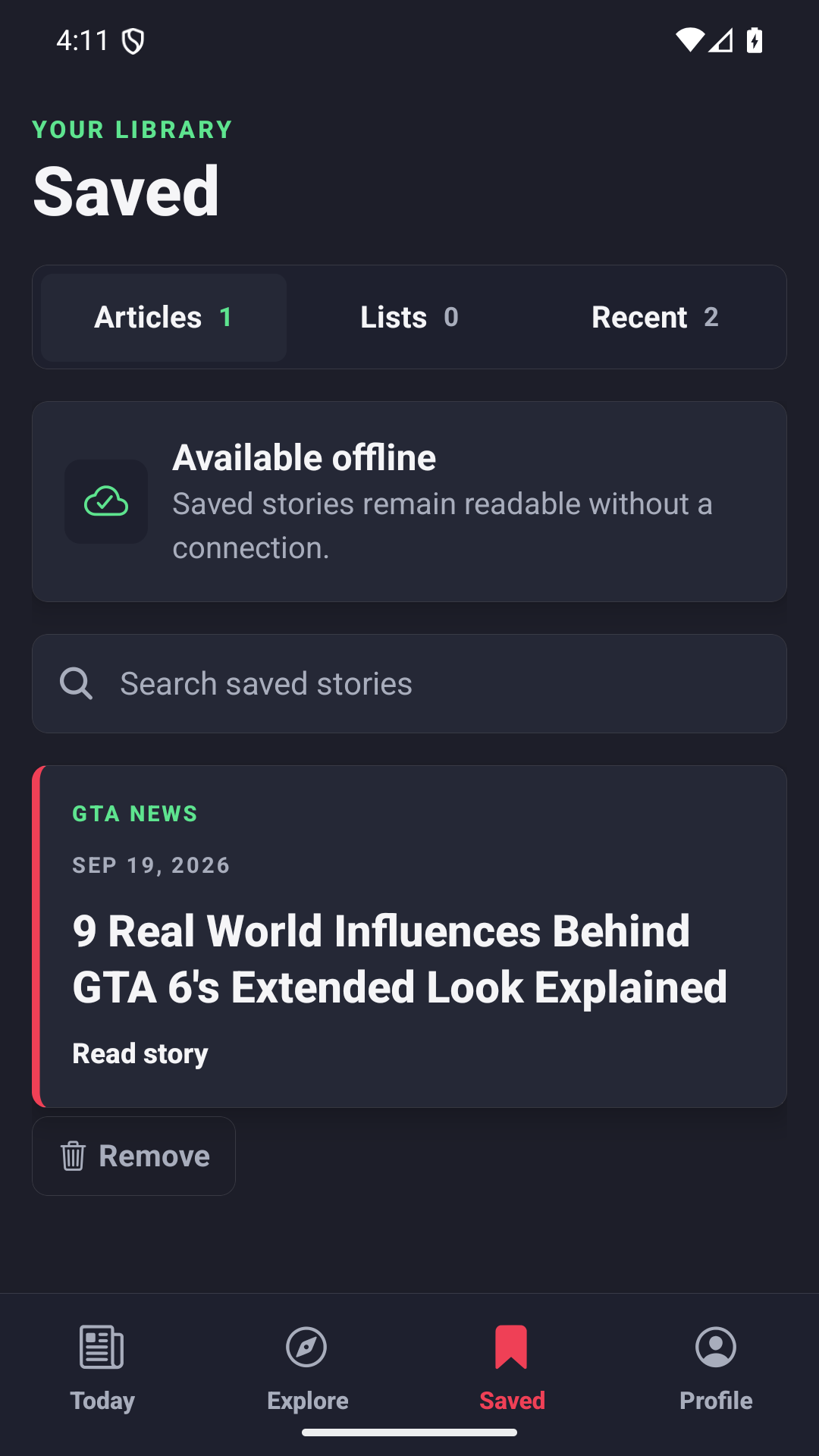
Keep a useful story or guide on your phone for the next time you play, including when your connection drops.
See the announced GTA 6 release date at a glance, with the latest coverage right beside it.
Your interests, together
Bring the latest reporting and guides from your chosen topics into one Following feed. Keep up with heists, discover vehicles, or find your next money-making method without searching the whole site again.
Explore Following on the websiteFollowing and optional app alerts are separate choices. The Android app also has a Following feed; the iPhone and iPad update is not publicly available yet.
Guides for the game you are playing
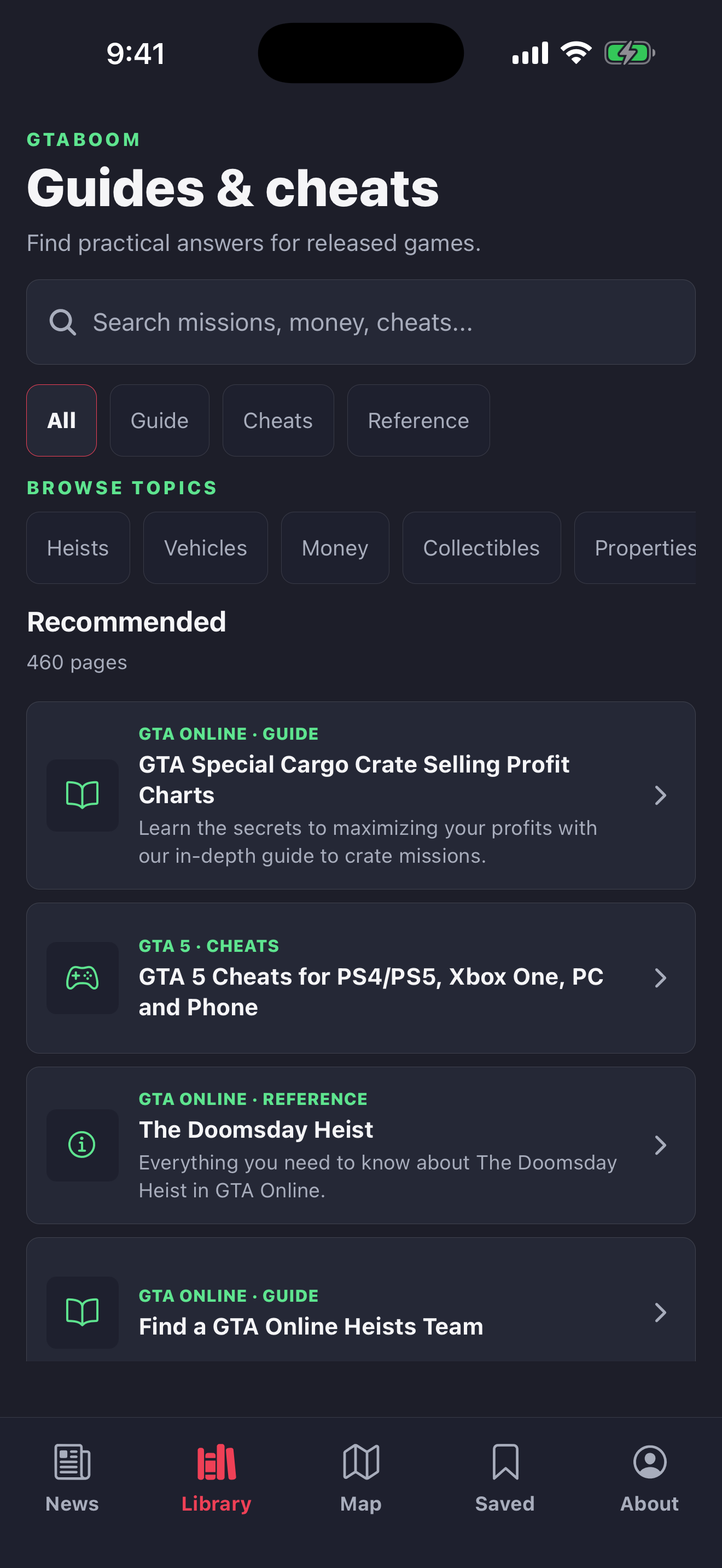
Search GTABOOM guides and reference pages for GTA Online, GTA 5, and classic GTA games. Look up heists, money methods, vehicles, properties, collectibles, or cheat codes while you play, then open the full answer in the app.
On Android, choose topics in Topics & alerts, then switch Today to Following to see their latest coverage. Following works without notifications. Sign in to keep your choices in sync with Following on the website. Choose Enable alerts if you also want notifications for all your followed topics. The iPhone and iPad Following feed is coming in a future update.
Built for the long read
Check the key facts before a session, find a particular step in a walkthrough, or settle in for a GTA 6 feature. The app gives you clear sections, in-article search, reading controls, and progress that helps you return to where you left off.
Bylines and publication dates stay with the story, so you know what is current and who reported it.
iPhone and iPad map
On iPhone and iPad, browse the community GTA 6 map, open mapped places, and save landmarks you want to revisit. Community mapping is a work in progress, not confirmed game data. On Android, use the map here on the website; the Android app focuses on news, guides, and saved stories.
Explore the web mapReady for the next session
Save a walkthrough before you play or keep an interesting story for later. Android lets you organize saved stories into Lists; both apps make it easy to return to recent reading. Core saves live on your device without an account.
Reading and saving on your phone do not require an account or a subscription. Sign-in is optional for supported account features.
All platforms
Keep a news story or walkthrough ready to reopen, including when reception is poor.
Recent reading
Find a guide you opened earlier instead of starting the search again.
From the GTABOOM team
GTABOOM has covered Grand Theft Auto since 2012. The app brings that reporting together with the guides and tools players return to: GTA 6 developments, GTA Online updates, and help for the games already in your library.
GTABOOM is an independent publication and is not affiliated with Rockstar Games or Take-Two Interactive.
About GTABOOMThe app is available for iPhone, iPad, and Android. Use the store button shown for your device.
In the Android app, open Today, choose Following, and use Topics & alerts to pick your interests. Your feed works with alerts turned off. Sign in to sync topic choices with the website and supported devices. Enabling topic alerts is a separate choice and needs notification permission. The iPhone and iPad Following feed is not available yet.
No. Reading, saving content, and using the core app work on your device without requiring an account.
Follow GTA 6 news and the release countdown, keep up with GTA Online, and search guides, cheats, and reference pages for GTA 5 and classic GTA games. The app opens GTABOOM's published coverage; it does not contain unreleased GTA 6 gameplay guides or cheat codes.
You can save stories on iPhone, iPad, and Android. Android also has Lists for organizing stories and a Recent view. On iPhone and iPad, you can save editorial pages and map landmarks. Local saving does not require an account.
News, the live countdown, native reading, and saved stories are available on iPhone, iPad, and Android. Android also has Explore, Lists, and a Recent view. The community GTA 6 map is currently only in the iPhone and iPad app; Android visitors can use the website map.
No. GTABOOM is an independent publication and is not affiliated with Rockstar Games or Take-Two Interactive.
Take GTABOOM with you